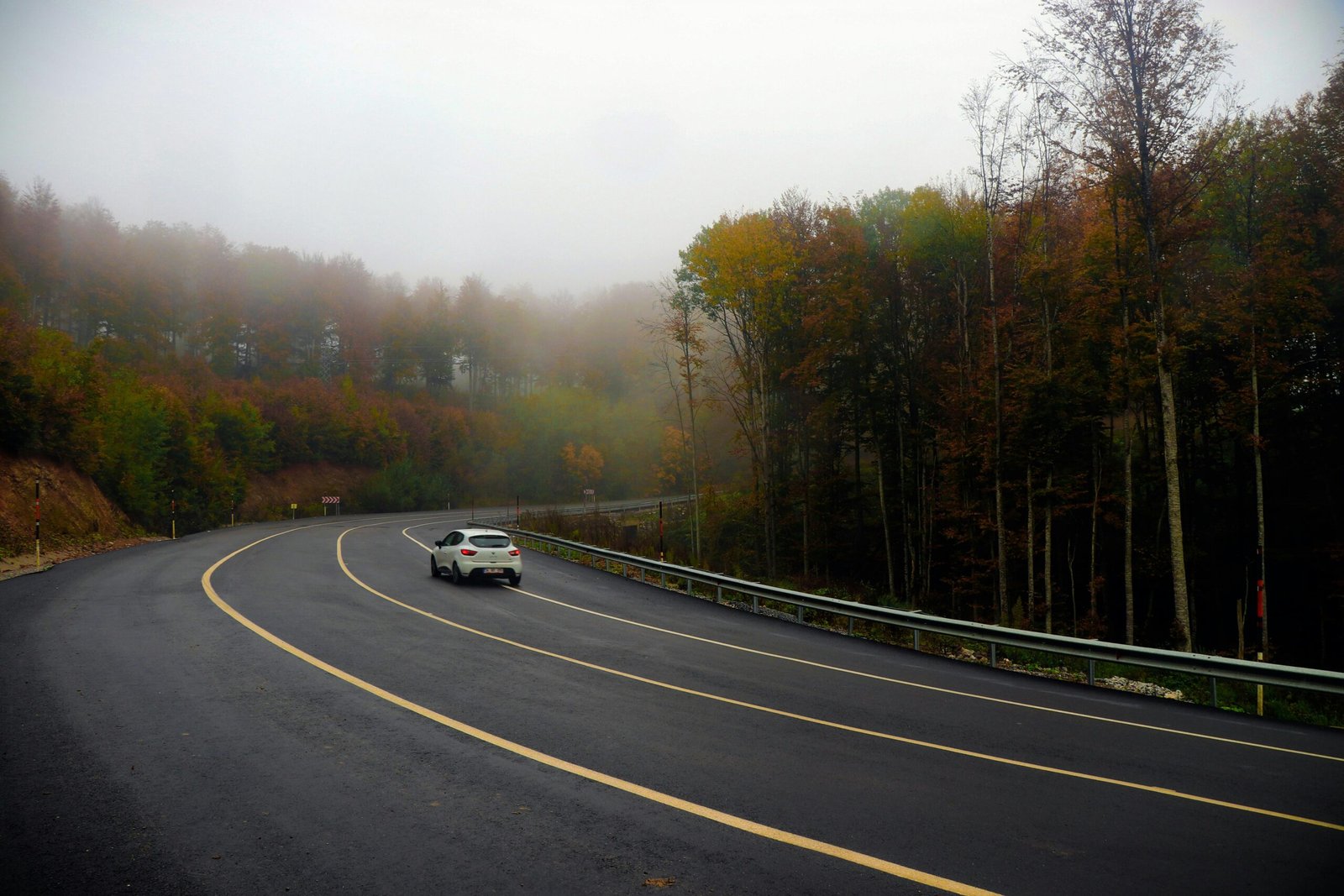
Planning a trip through the Beaver State? Using oregon travel cams is one of the smartest steps you can take. These live cameras provide real-time views of highways and mountain passes. Consequently, you can see current road conditions before you even start your car. This guide will show you exactly how to use them for a safer and smoother journey in 2025.
Why Use Oregon Travel Cams Before You Drive?
Oregon’s weather can be unpredictable. For instance, a sunny day in Portland might mean a snowstorm on Mount Hood. Oregon travel cams help you prepare for these changes. They offer crucial information that static weather reports often miss.
Here are the key benefits:
- Safety First: You can visually confirm if roads are snowy, icy, or wet. This helps you decide if your vehicle is equipped for the conditions or if you should delay your trip.
- Save Time: By checking for traffic jams, accidents, or construction, you can avoid long delays. Therefore, you can choose an alternate route and save valuable time.
- Plan Better: Knowing the conditions helps you pack appropriately. In addition, it allows you to manage your travel schedule more effectively, especially for long-distance drives across the state.
How to Access Live Oregon Travel Cams
Accessing the live feeds is surprisingly simple. The most reliable source is the Oregon Department of Transportation (ODOT) official website. It is a comprehensive resource designed for travelers.
Your Go-To Resource: TripCheck
ODOT’s TripCheck service is the definitive hub for all official oregon travel cams. Follow these simple steps to find the camera you need:
- Step 1: Navigate to the official TripCheck website.
- Step 2: Use the interactive map to zoom into your planned route or a specific area of interest.
- Step 3: Click on the camera icons that appear along the highways. A live image or video feed will then pop up.
- Step 4: You can also use the search function to look for specific routes, like I-5 or Highway 26.
Furthermore, the website often provides additional details like temperature and elevation for each camera location. This gives you a more complete picture of the situation.
Key Features to Look For on Oregon Travel Cams
When you view a camera feed, what should you look for? It is more than just a pretty picture. Pay close attention to these specific details to make an informed decision about your travel.
- Road Surface: Is the pavement bare and dry, or is it covered in snow or ice? Look for shiny spots, which could indicate black ice.
- Weather Conditions: Can you see rain, snow, or heavy fog? This directly impacts visibility and safe driving speeds.
- Traffic Flow: Observe the speed and volume of traffic. Slow-moving or stopped vehicles are a clear sign of congestion or an incident ahead.
- Lane Visibility: Are the lane lines clearly visible? In heavy snow, it can be difficult to see the road’s edges, which is a significant hazard.
Beyond Road Conditions: What Else Can Cams Tell You?
While their primary purpose is road safety, Oregon travel cams can offer other useful insights. For example, a camera pointed at a popular viewpoint can give you an idea of the weather and visibility for sightseeing. Some cams are located near recreational areas, helping you gauge how busy a place might be.
Additionally, they reveal microclimates in real-time. The weather on the Oregon coast can be completely different from the Willamette Valley, just an hour away. A quick check of a coastal cam confirms if you will be met with sun or fog.
Tips for Planning Your Trip with Travel Cams
To get the most out of these tools, integrate them into your planning process. Simply checking one camera once is not enough for a long trip. Therefore, follow these expert tips for a truly prepared journey.
- Check the Entire Route: Don’t just look at the mountain pass. Review cameras at the start, middle, and end of your trip to understand the complete picture.
- Timing is Everything: Road conditions can change rapidly. Consequently, you should check the cams right before you leave and even during stops on your journey.
- Have a Plan B: If the conditions look poor, be prepared to take an alternative route or postpone your trip. Your safety is the top priority.
- Combine with Forecasts: Use the cams in combination with a reliable weather forecast. The cameras show the “now,” while the forecast predicts the “later.”
By using oregon travel cams wisely, you empower yourself with the best possible information. As a result, your Oregon adventure will be safer and much more enjoyable.